
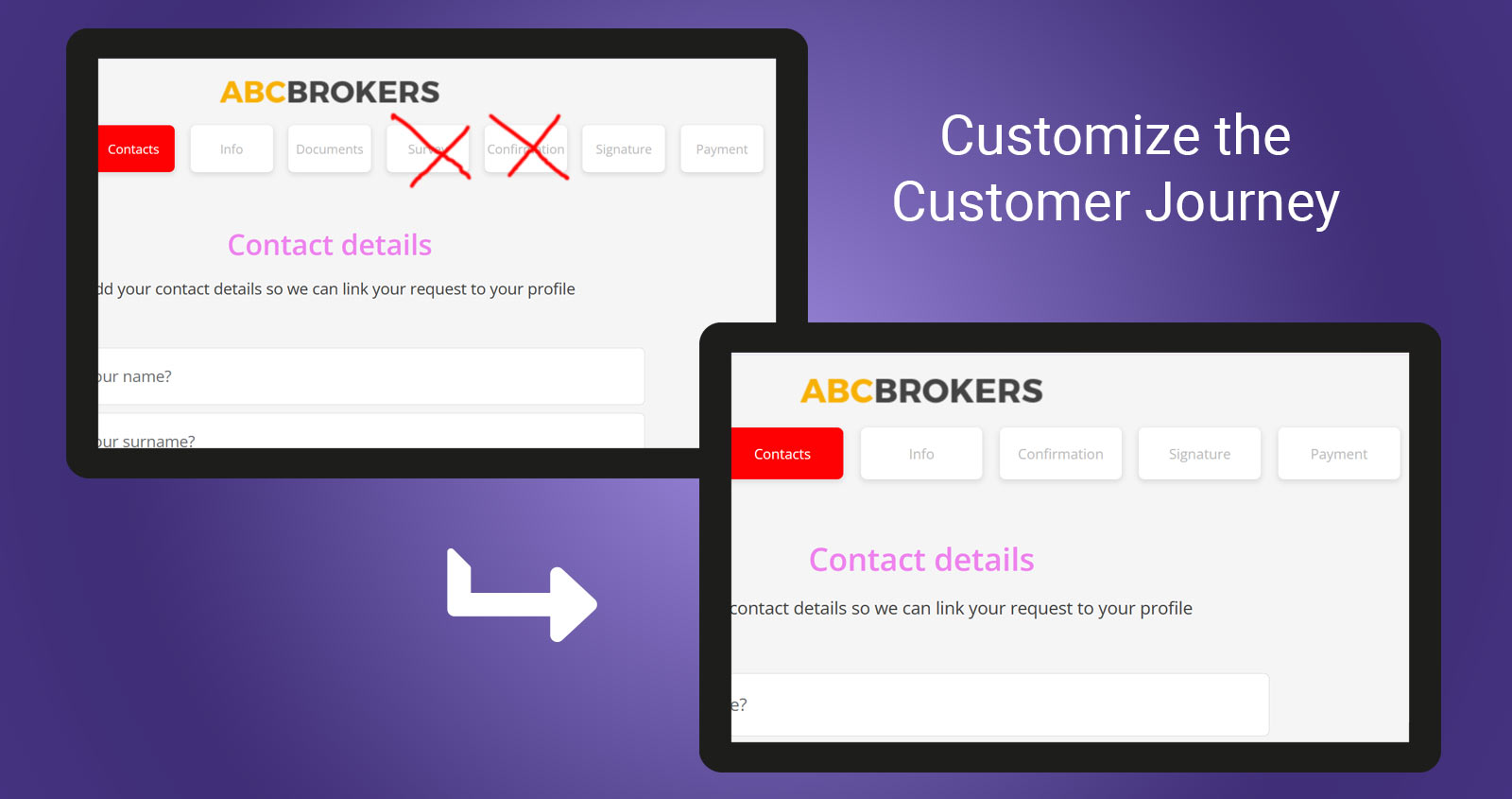
Customize the insurance customer journey in minutes
Give every insurance product the customer journey it needs.
In this tutorial we customize the Exotic Pet Insurance customer journey directly from the Garansure CMS:
- Reorder Survey and Document sections with simple drag-and-drop
- Publish the updated journey
- See the changes immediately in the customer flow
- Remove unnecessary steps from the Exotic Pet Insurance by simply unchecking these sections (as Survey and Document are not usually required for pet insurance)
- Publish a new product version.
- Reduce the journey from 9 steps to 7 in seconds
Fast, intuitive and flexible — customize each product’s customer journey without development work..
The product changes in this tutorial, effectively alter the underwriting of the product. In Garansure, changes of this nature are logged as a new product version.
For DORA and compliance purposes, Garansure maintains a complete product version history, clearly showing what was changed, by whom and when.
Once published, all incomplete and new subscriptions will follow the new product journey.